Problem
A dog-friendly label does not explain whether a place fits a particular dog. Age, mobility, heat sensitivity and social comfort can change the choice.

Find outings that fit your dog’s needs.
Check shade and water, and plan playdates.
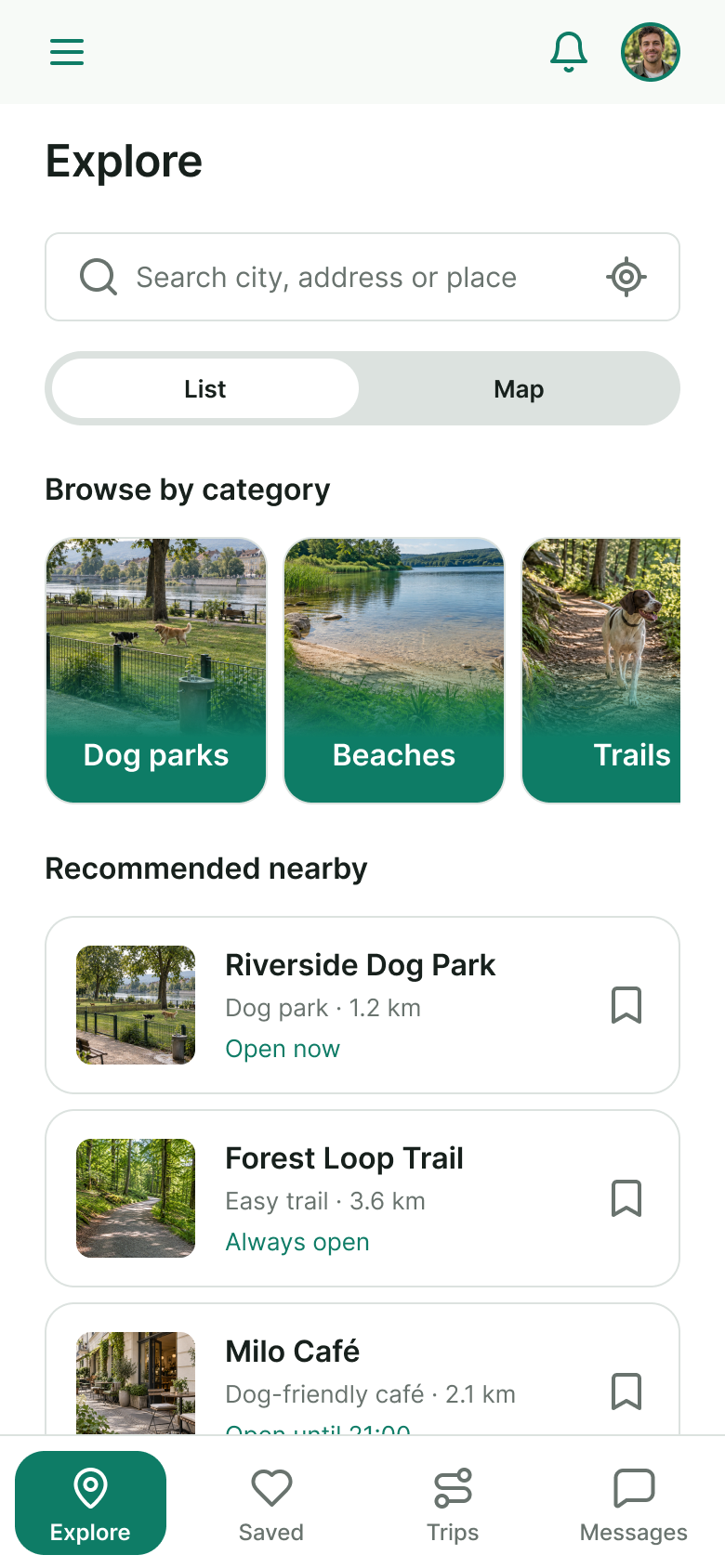
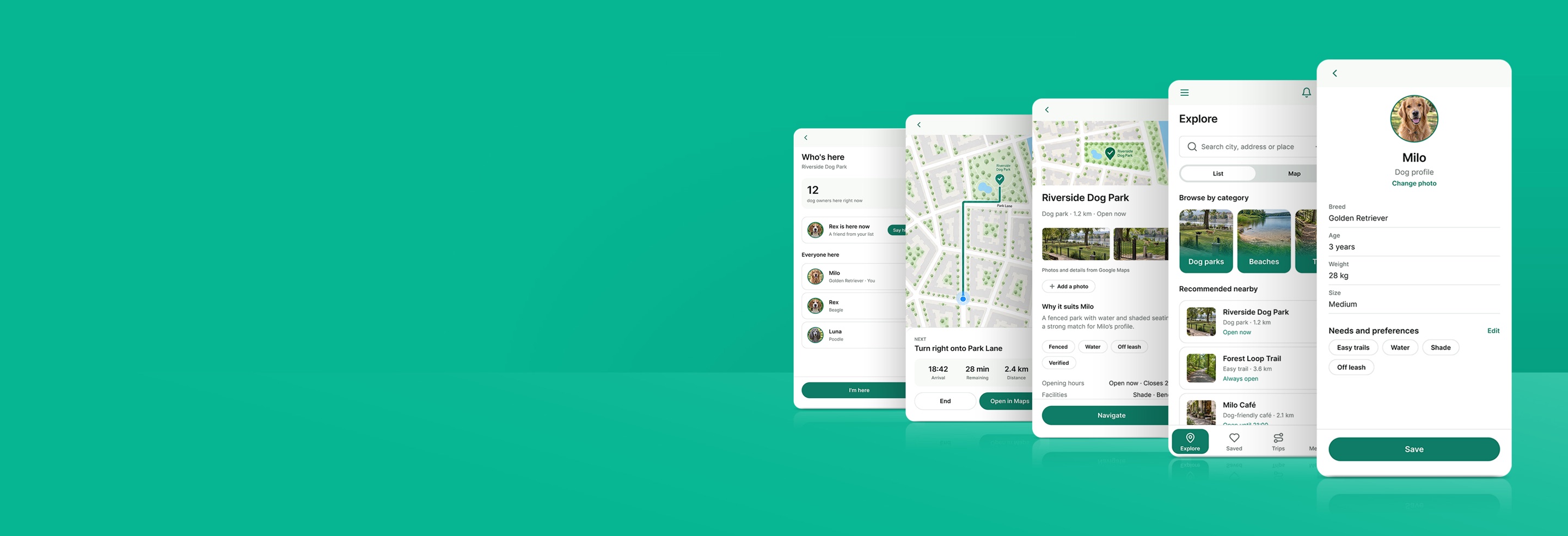
Explore dog-friendly places and open their details to check the fit for your dog. Try the list and map views, then follow the journey from discovery to a suitable outing.
A dog-friendly label does not explain whether a place fits a particular dog. Age, mobility, heat sensitivity and social comfort can change the choice.
Dog owners planning daily walks, gentler outings for older dogs, or opportunities to meet other dogs and arrange playdates.
Connect the dog’s profile with suitable places and routes, clear amenity information, and optional social encounters.
Help owners make informed choices before leaving: understand the fit, check shade and water, and plan an outing around their dog.
The dog is the organizing idea: understand their needs, find a suitable place, check the conditions, then choose a route or arrange time to meet.
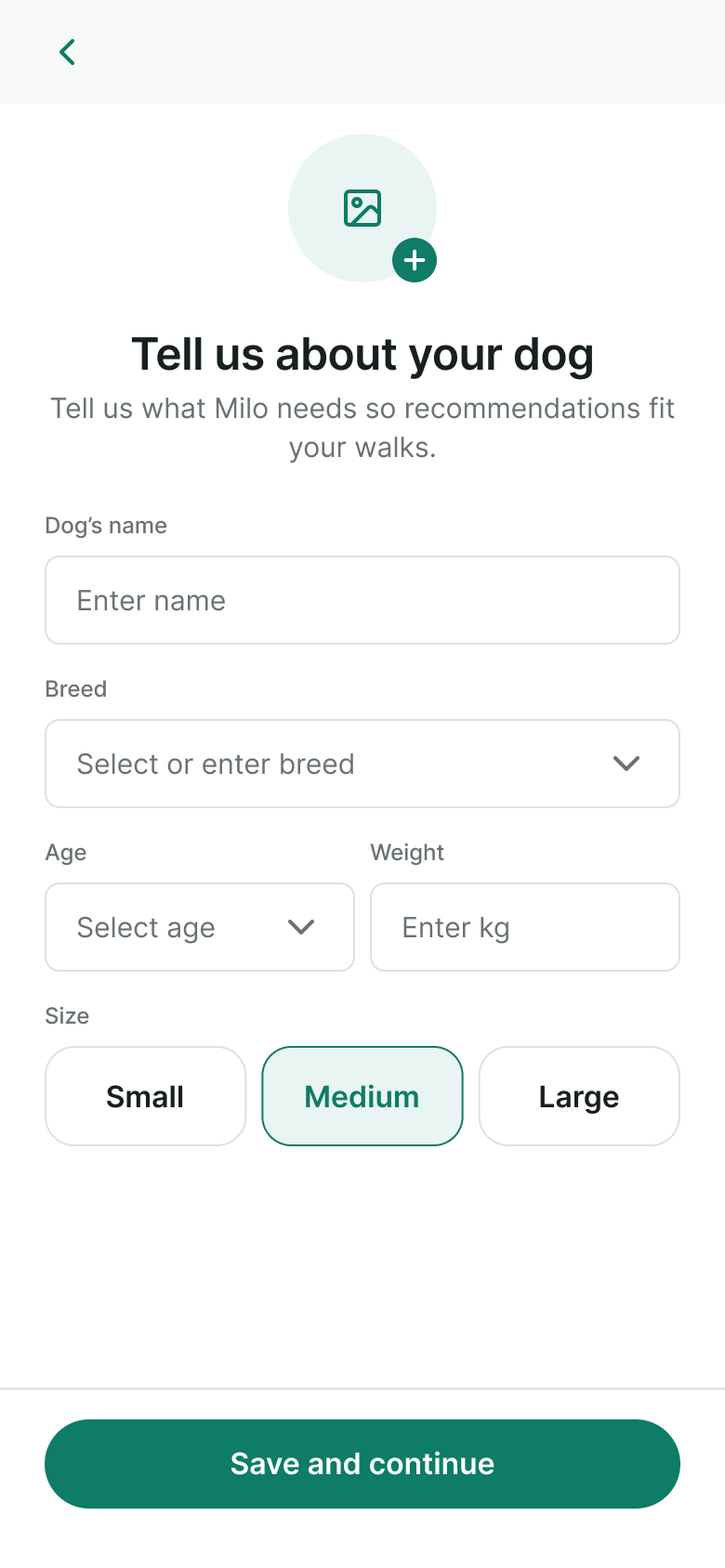
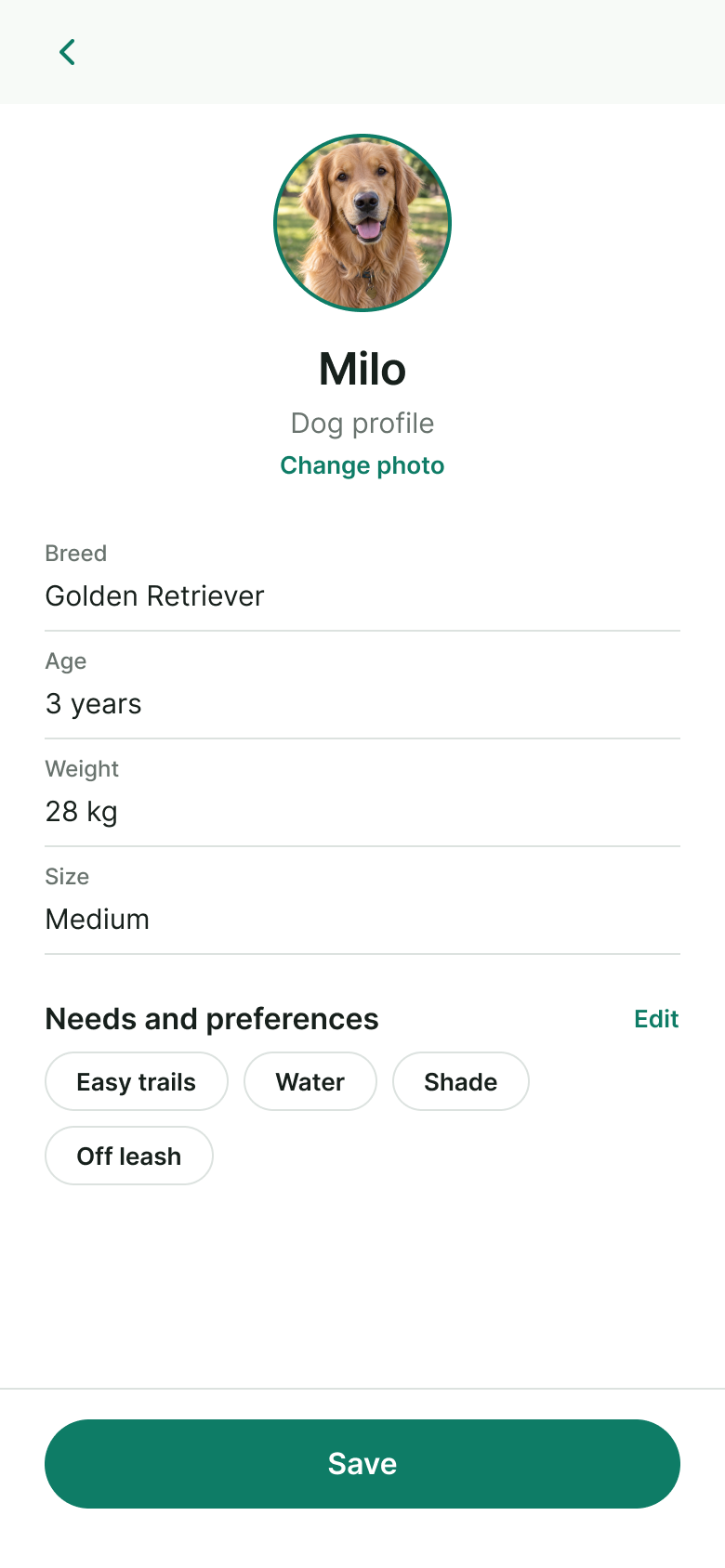
Start with age, needs, limitations and social preferences. This profile gives the rest of the journey its context.
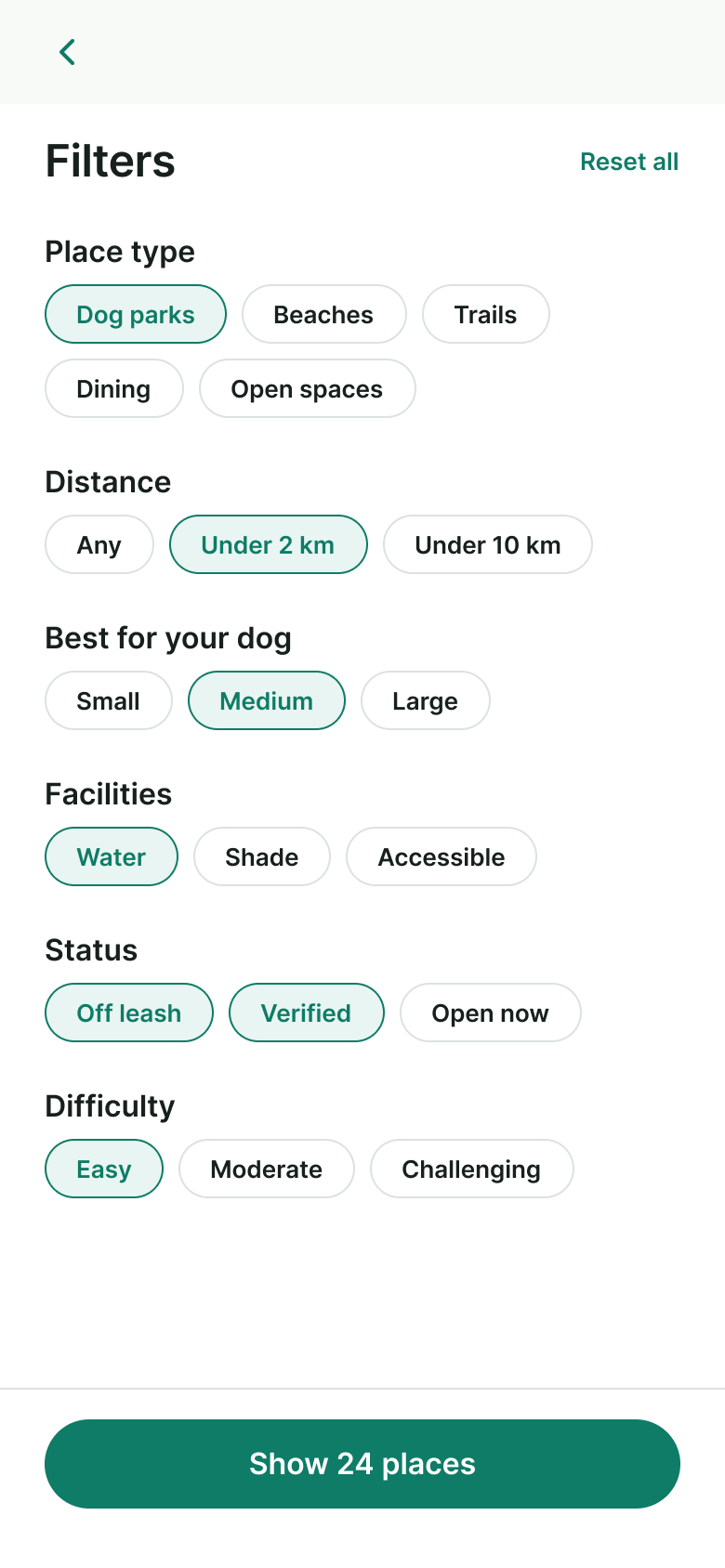
Browse nearby places and routes. Use dog-relevant filters to narrow the choice rather than scan every result.
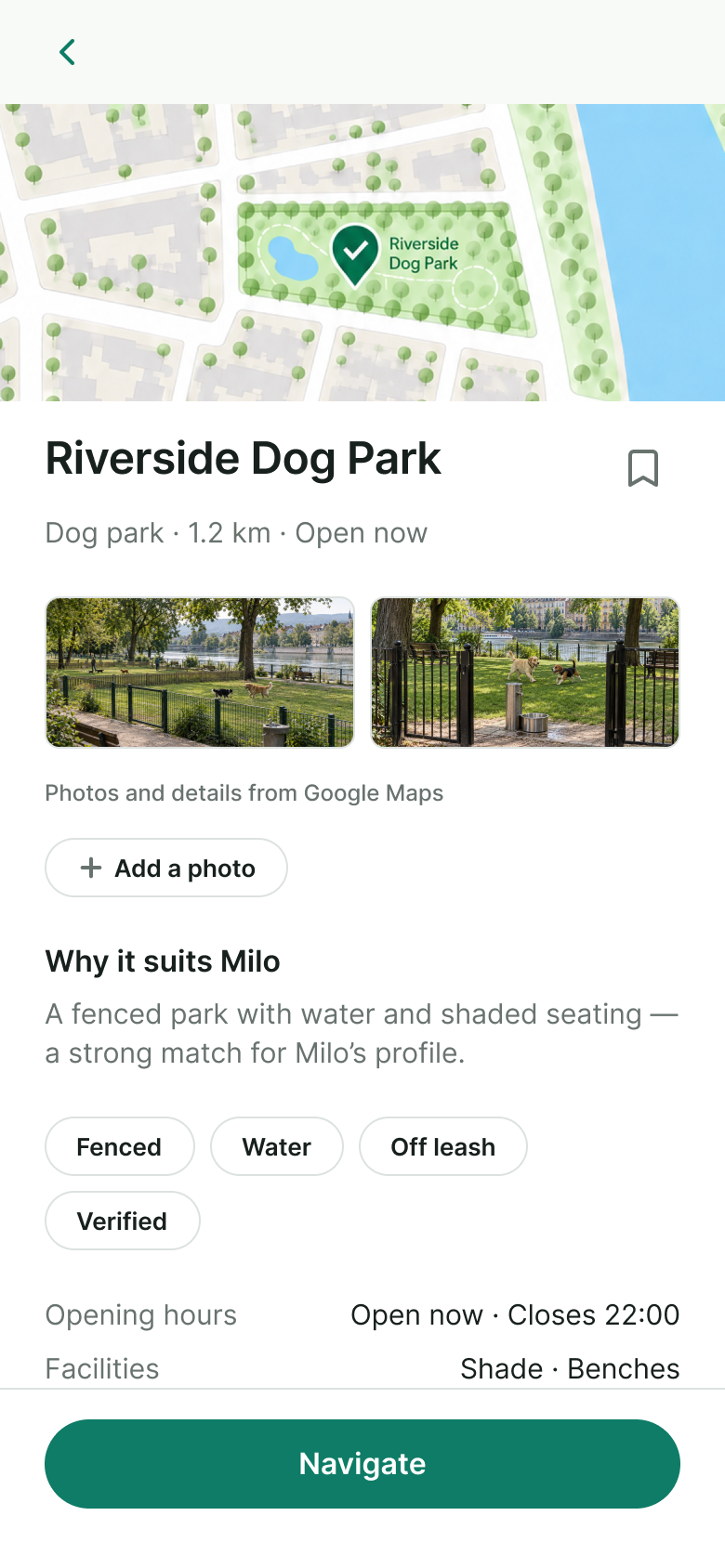
Review terrain, shade, drinking water, rest areas and access rules. Consider a gentler route for an older dog.
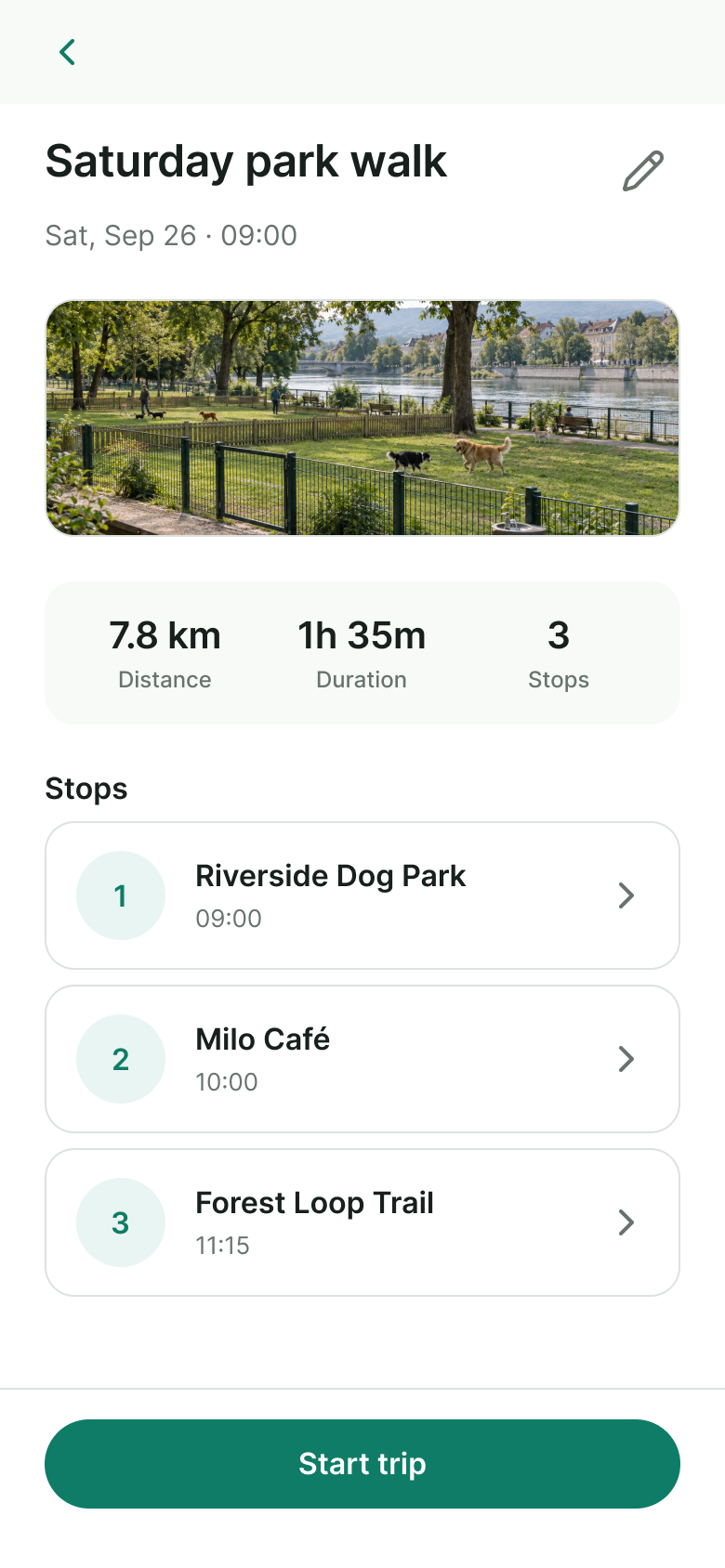
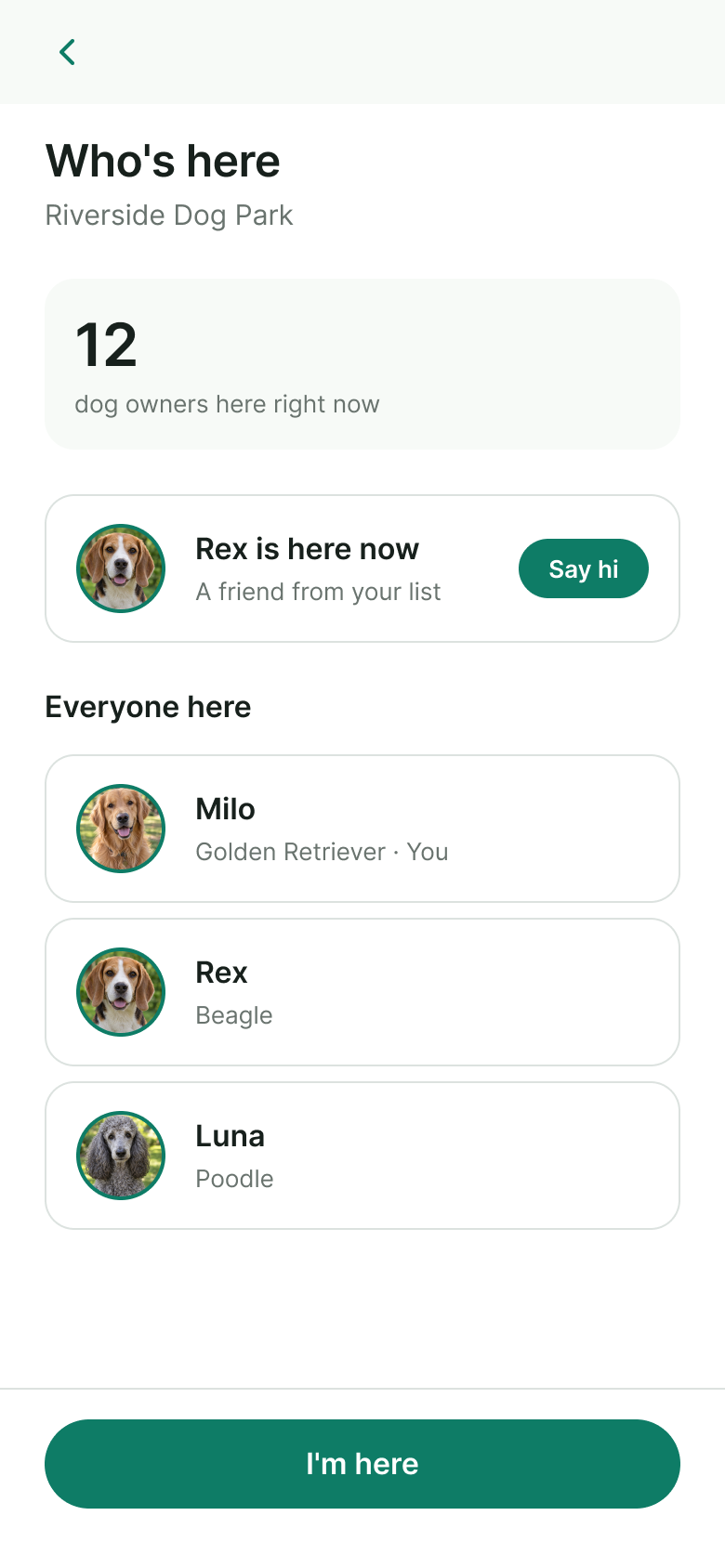
Save places, plan a route or explore a playdate. Social encounters stay optional for dogs who need more space.
A dog-first journey through the current concept: from the dog’s profile to suitable places, gentler routes and meeting other dogs. Maps, places and people are illustrative.
A nature-led system: green for brand and primary actions, soft surfaces, Inter for interface text, and semantic colors for light and dark themes.
The light theme uses brand green for primary actions, with white and soft-green surfaces. Semantic color variables define equivalent roles in the dark theme, so components can keep the same structure.
Clear headings, short labels and readable body text keep practical details easy to scan.
The Inter type scale uses 24px and 20px headings, 16px subheadings and 15px body text. Large primary buttons and input fields are 48px high; smaller row actions use a compact variant.
These decisions describe the concept’s intended behavior. They are design hypotheses to validate with dog owners.
Instead of: treating the dog profile as an optional account detail.
Why: The same park can suit one dog and overwhelm another. Age, mobility limitations, heat sensitivity and social preferences should inform discovery, place details and outing planning.
Instead of: a single dog-friendly badge.
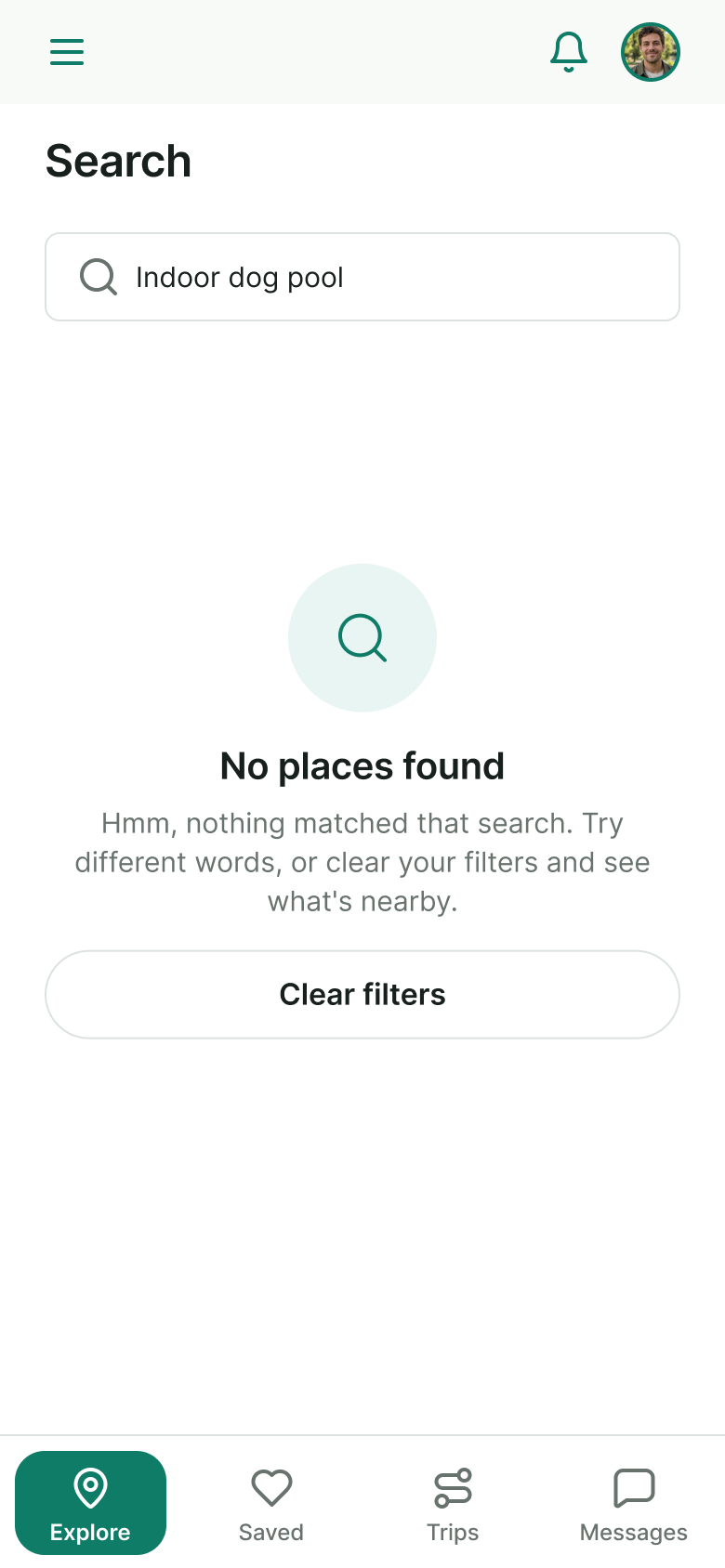
Why: Shade, water, fencing, benches and terrain mean more than a broad label. Specific amenities help owners judge suitability; missing or unverified details should remain explicit.
Instead of: prioritizing only the fastest route.
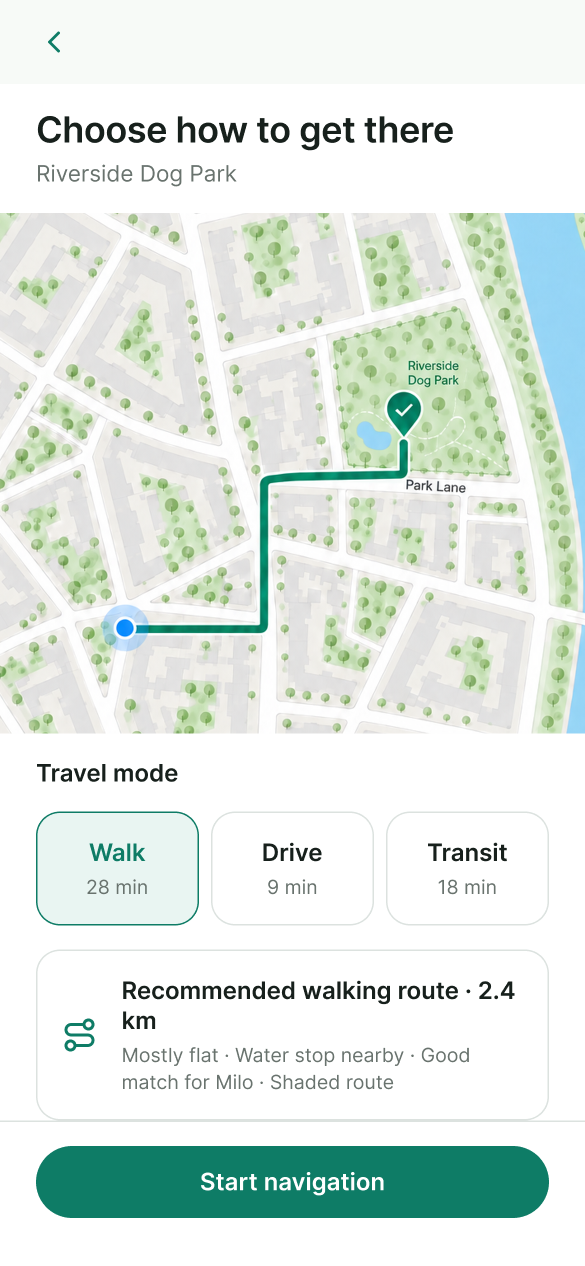
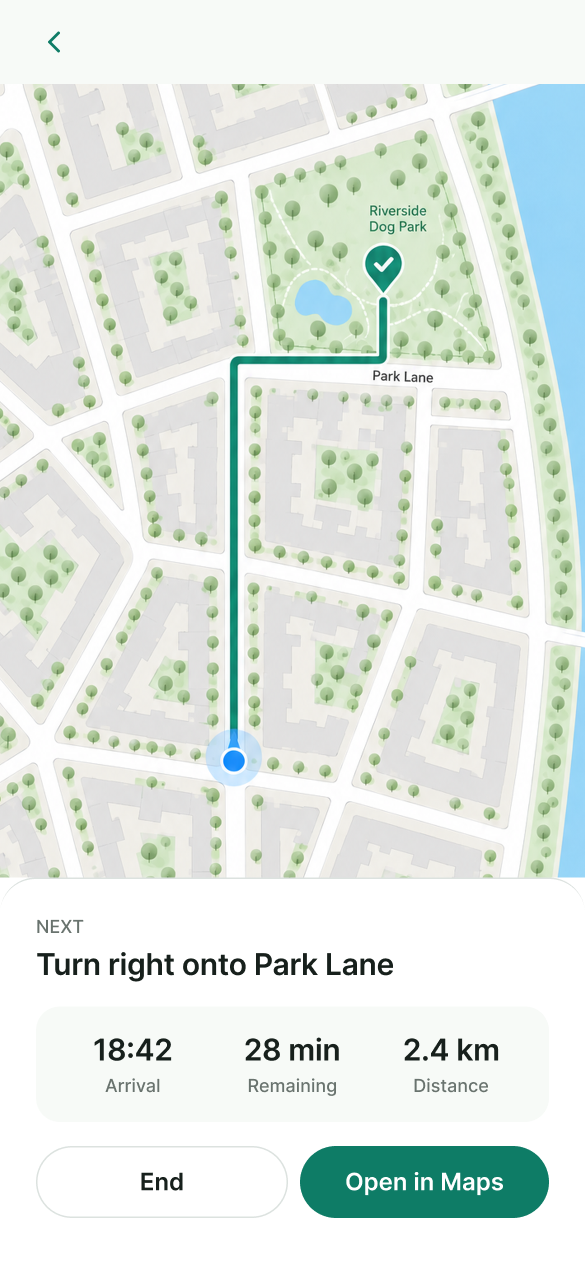
Why: An older dog may need an easier surface, a shorter walk and places to rest or drink. Those conditions give the owner a better basis for choosing an outing.
Instead of: a general social feed disconnected from the outing.
Why: Meeting other dogs is part of the reason to go out. Dog visibility and shared walks connect social plans to places, with owner control and the dog’s social comfort in mind.
Pointer moves beyond a dog-friendly label to focus on the needs of one particular dog.
Pointer is a self-initiated concept, not a launched product. I built it from zero with ChatGPT and Claude, designing the dog-first UX/UI, place discovery, outing planning and social direction. The prototype explores these journeys; the concept has not been tested with users.
I would first test which place details change an owner’s choice, how owners describe their dog’s limitations and what makes a playdate feel comfortable. If implemented, I would measure dog-profile completion, discovery leading to a saved place or navigation, and voluntary use of dog visibility.
End-to-end product concept, UX/UI and visual design · Prototype exploration · No user-test results claimed.